Proteggiti contro i virus, i ransomware e le minacce informatiche con Flux Backup!
Easy backup of your data with Acronis
Flux Backup integrates Acronis Cyber Protect Cloud, the most powerful solution on the market to centralize the management of your backups and your cybersecurity.
Free trial


Sleep soundly, even if the unthinkable happens
Backup x3 across x2 datacenters
Flux Backup continuously replicates your data on at least 3 media distributed across 2 datacenters.
Easy restore
Ran into a problem? Restore your backups from another device or recover only the files of your choice.
Backup encryption
Flux Backup encrypts data on the servers, while Acronis lets you encrypt your backups with your own key.
Automatic and remote installation
Thanks to network- and Active Directory-based detection, Acronis ensures fast deployment across your company.
Secure remote control
Acronis includes a remote desktop feature designed for remote work or providing technical support.

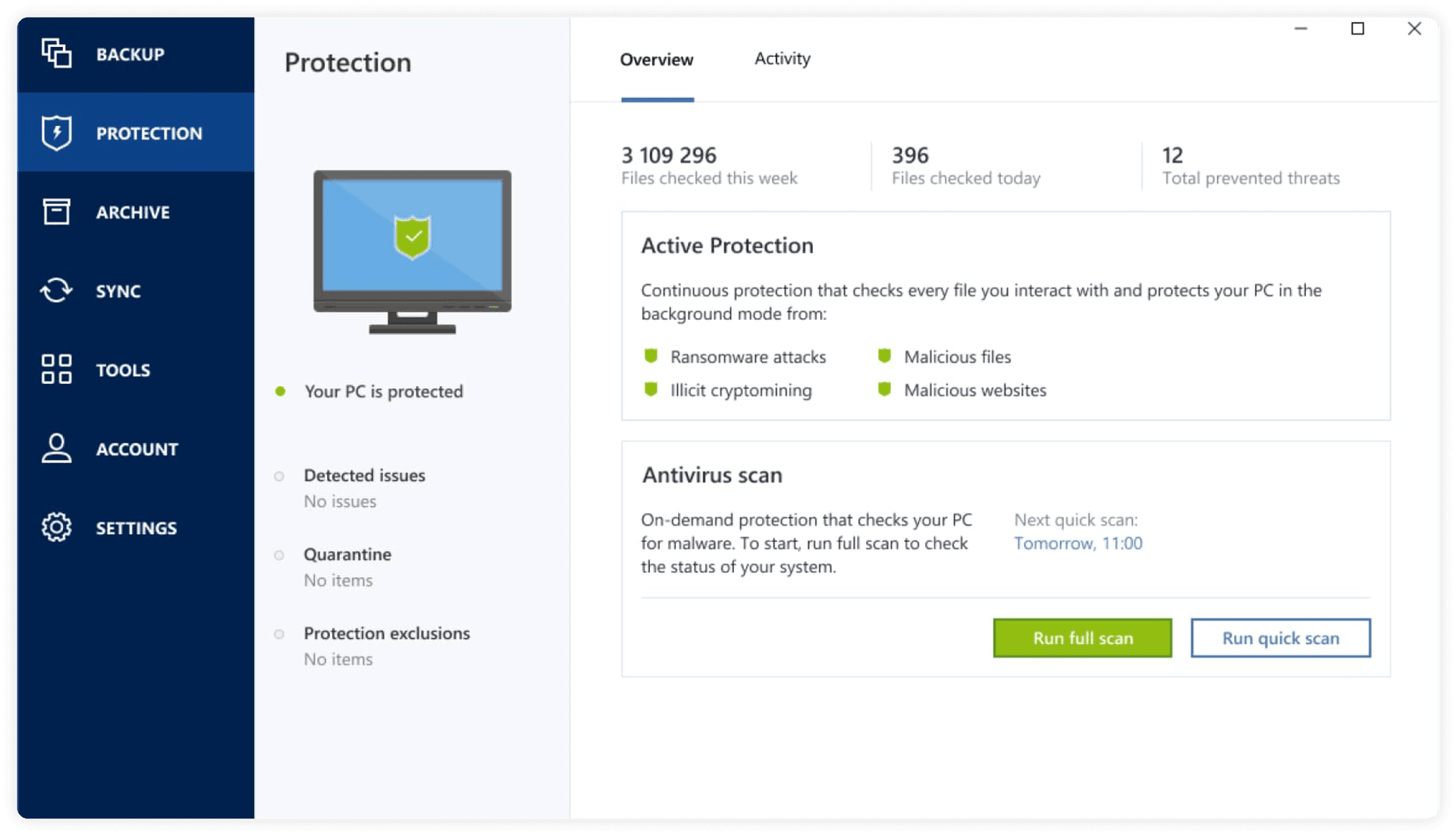
Built-in antivirus and antimalware protection
Flux Backup integrates Acronis Cyber Protect Cloud, a backup and cyberattack protection solution to protect your data, applications and systems against every kind of threat.
Vulnerability assessments
Threat monitoring and smart alerts
Protection against viruses, malware, ransomware and much more
A single platform to manage everything in record time
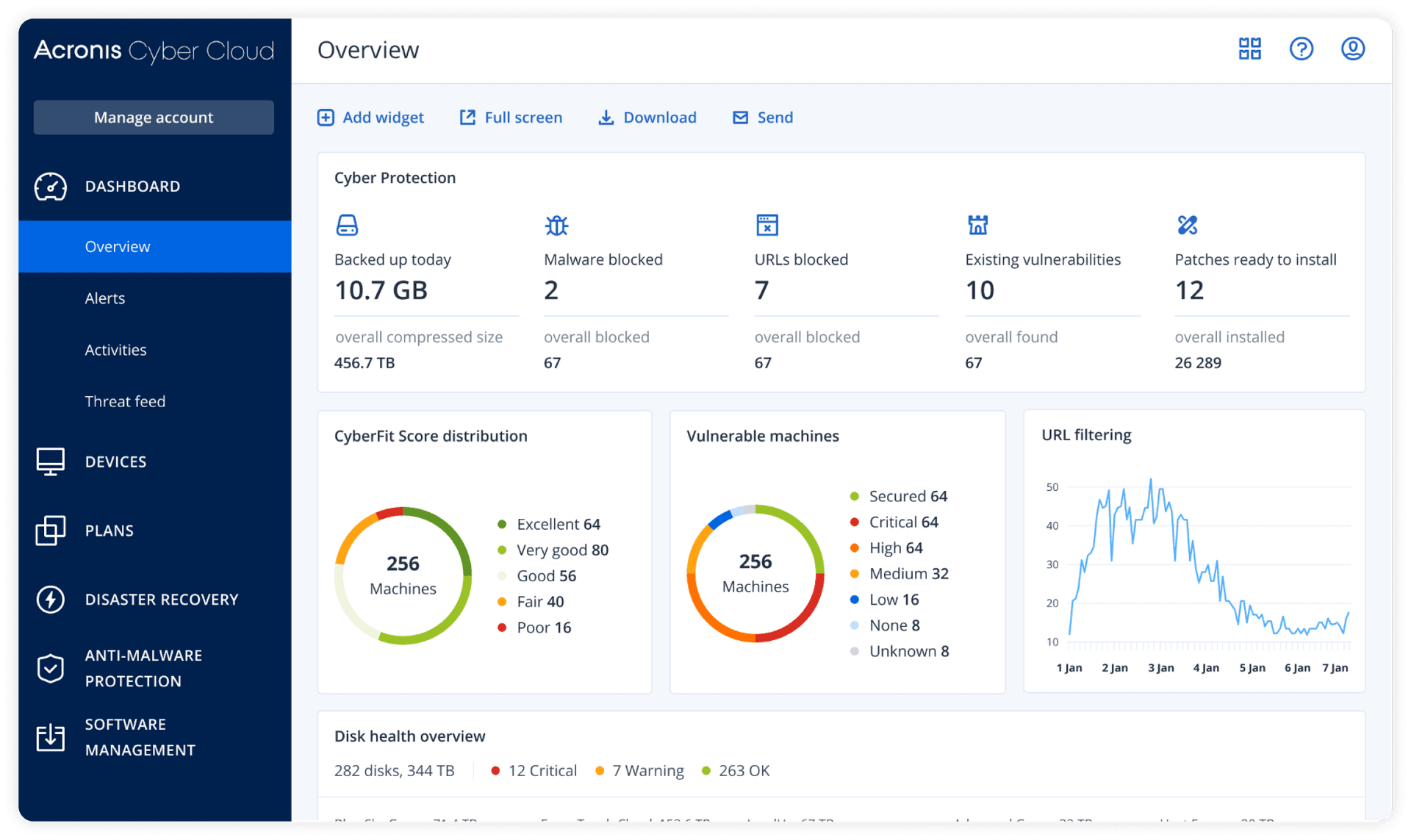
Custom reports
Monitor the cybersecurity of your devices in real time. Keep everything under control.
A single interface to keep everything under control
Check the security status of your devices and your backup schedule at any time.
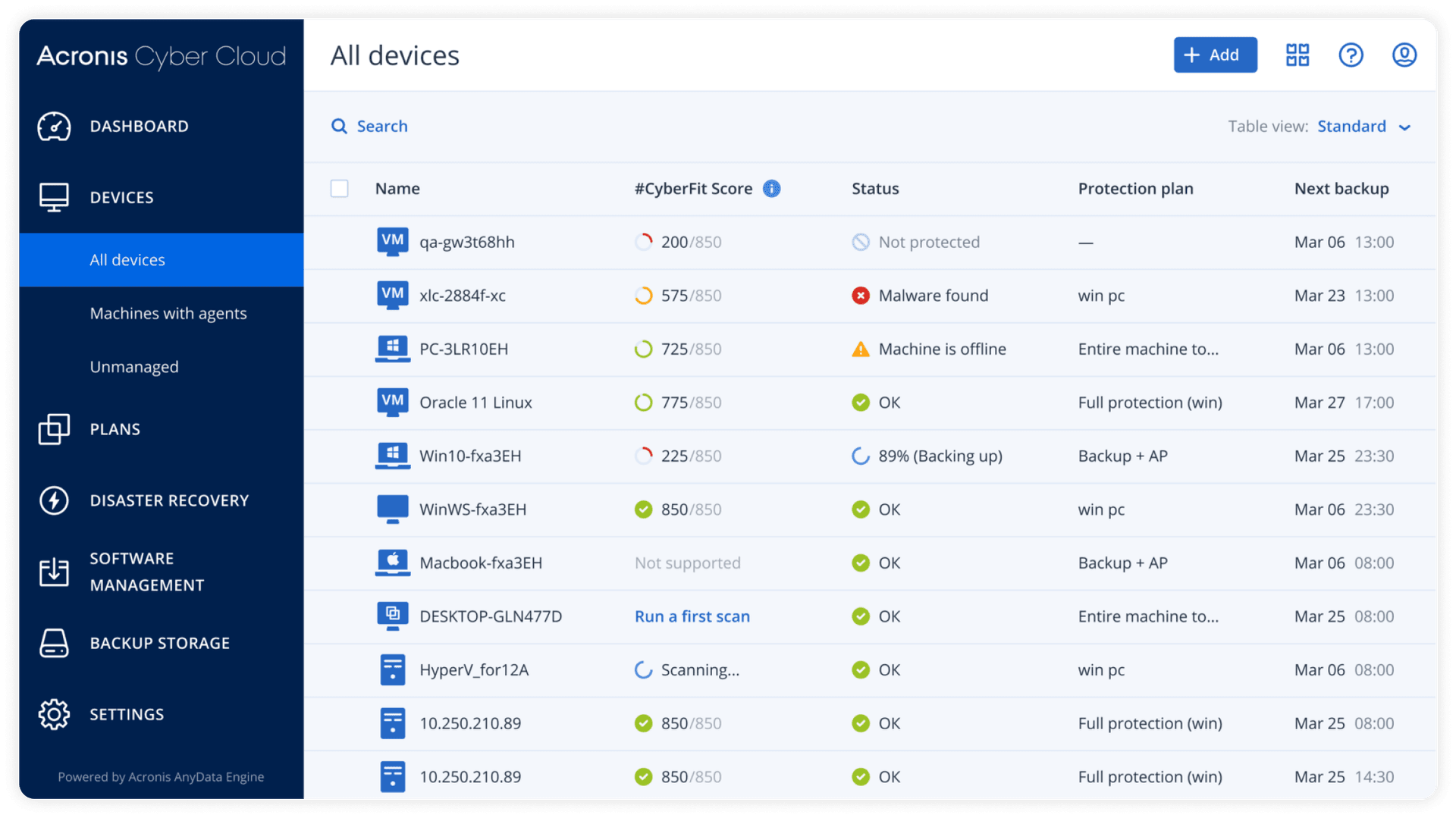
Protect a wide range of devices


Backup di determinate cartelle
Che siano foto o file di qualsiasi tipo, seleziona ciò che vuoi sottoporre a backup. In caso di imprevisti, potrai ripristinare tutto senza alcun problema.
O l'intera immagine di sistema del tuo desktop
In caso di bisogno, ti consentirà di ritrovare il tuo computer con la tua configurazione e i tuoi software di sempre, come se non fosse accaduto nulla.

On request
Use Acronis to manage the security of your IT estate
Acronis Cyber Protect Cloud also ensures the protection of Microsoft 365, Exchange, SharePoint, SQL Server, Oracle Database, Active Directory and Google Workspace.
It lets you independently manage your users and depleted licenses.
Protecting your data. It’s what we do.
Backup x3 in Europe across x2 datacenters
Flux Backup continuously replicates your data across at least 3 media distributed in 2 datacenters. You can sleep soundly.



Your data concerns only you
NeoFlux is subject to the GDPR. The company is based in Italy, in Caserta. It is not listed on the stock exchange and is owned by its founders and employees.
Up to 1000 TB of backup space
Flux Backup gives you total flexibility. One thing is certain: you’ll never run out of room.

Questions? Doubts?
Here we’ve gathered the questions we’re asked most often.
- Of course. If you get a machine with the Acronis backup feature, the license for this software, exclusive to Flux Backup, will be included in the price.
- Using the reference software Acronis provided with Flux Backup, restoring your data or an entire system will be child's play. Even in the case of a full restore of a workstation, there's no need to follow complex procedures to create a USB stick or a boot disk. Everything happens almost entirely automatically.
Restore a Mac
Restore a Windows machine - Acronis lets you define the frequency of your backups and the data retention period. All of this is defined in the backup plan of the Acronis dashboard (default setting 6 months)
- Acronis lets you back up the entire machine with Flux Backup or specific folders, as well as a network path and, of course, restore a selection of folders
- Using Acronis with Flux Backup is compatible with desktop workstations (Windows/Mac OS), mobile phones (Android / iOS), virtual machines and Linux and Windows servers
- Of course, just connect to your dashboard to view the backups of the other machines and manage the backup plans.
- Flux Backup includes a data encryption feature, but you can also enable the encryption option on Acronis to have additional data protection.
- Flux Backup includes an option that lets you receive alerts and notifications about your backups. Simply enable this option to always stay up to date on the status of your backups.
- Cloud storage is an online platform that lets you keep a copy of your files and share them with collaborators, but without backing up your system's data. Flux Backup instead acts as an online vault where the entire machine, files, folders and even the operating system configuration are backed up, allowing you to recover an identical copy of your machine.