Protect yourself against viruses, ransomware and cyber threats with Flux Backup!


Back up your data with complete peace of mind
Flux Backup lets you securely back up and restore desktops, servers, virtual machines, NAS and much more.
Free trial
A European backup solution that meets all your needs

With Acronis software included
Desktops, VMs, servers
Looking for an easy-to-use solution to back up all your devices? Acronis is the most effective and secure backup software on the market.
Learn more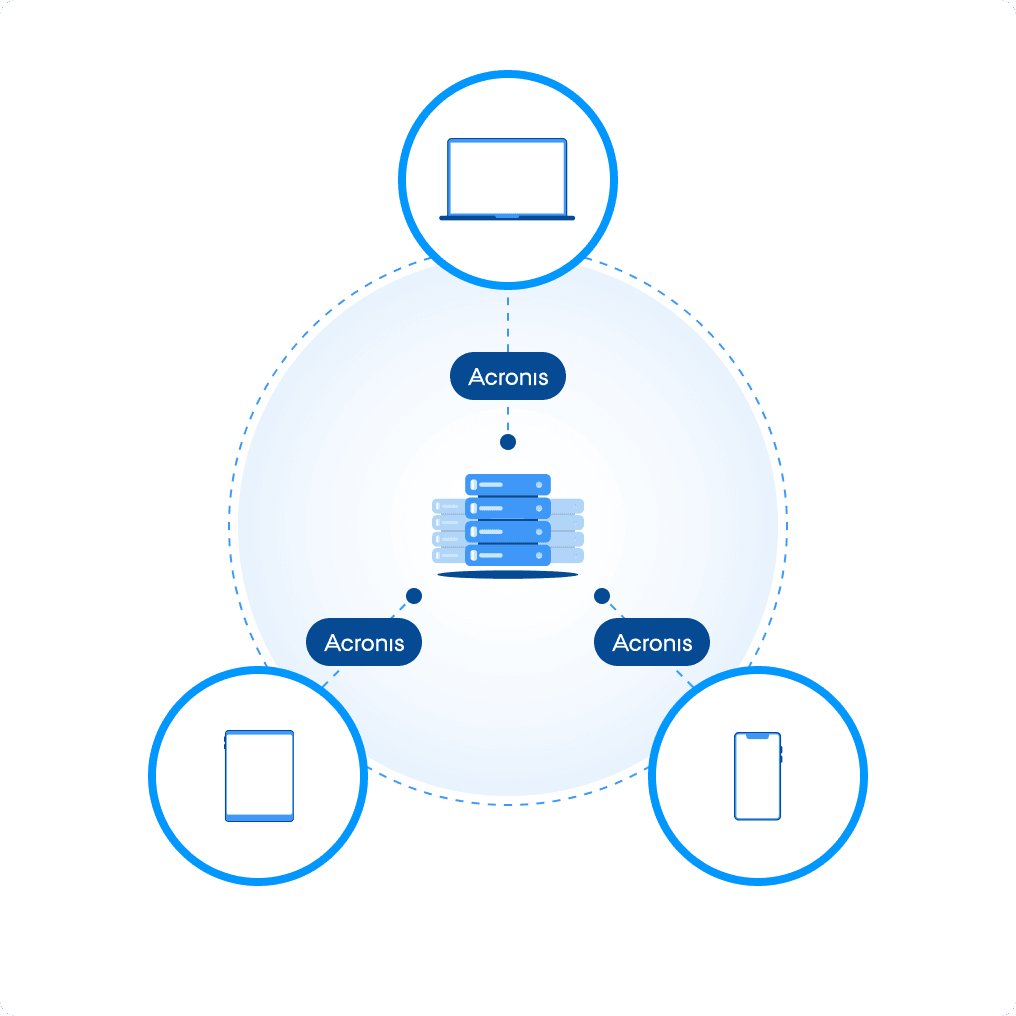
With the software of your choice
Cloud storage space
Do you need secure backup space in the cloud? Choose the software of your choice compatible with the Swift, S3 or SFTP protocols.
Learn more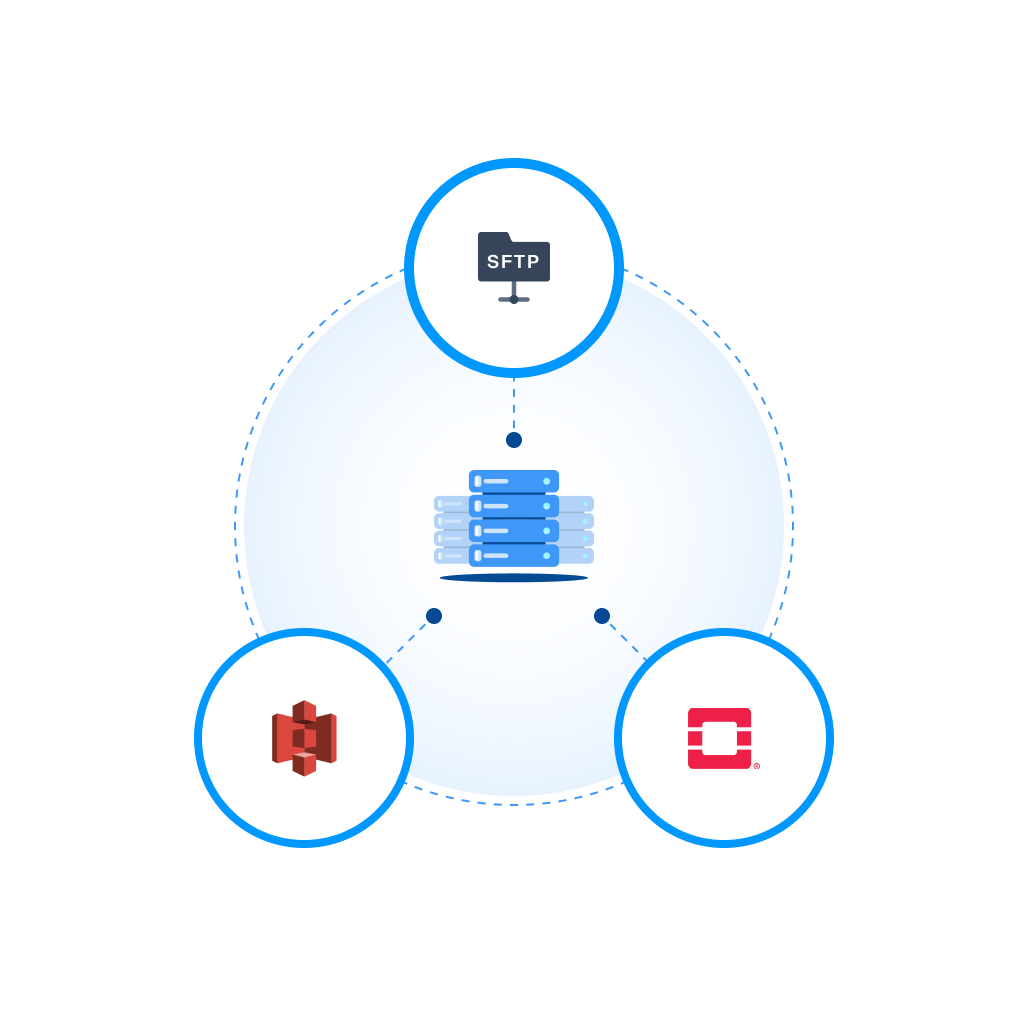
For businesses
Protect all of your desktops
Acronis software lets you back up the entire system image of your computers or the folders of your choice.
Discover Acronis
For individuals
Keep your photos and memories safe
To back up your photos and personal documents, we recommend using cloud storage instead.
Discover cloud storage
For advanced users
Make the most of your cloud backup
Thanks to the Swift, S3 and SFTP protocols, the Cloud backup space lets you build your own cloud backup solution.
Discover the Cloud space

Protecting your data. It’s what we do.
Backup x3 in Europe across x2 datacenters
Flux Backup continuously replicates your data across at least 3 media distributed in 2 datacenters. You can sleep soundly.



Your data concerns only you
NeoFlux is subject to the GDPR. The company is based in Italy, in Caserta. It is not listed on the stock exchange and is owned by its founders and employees.
Up to 1000 TB of backup space
Flux Backup gives you total flexibility. One thing is certain: you’ll never run out of room.

Flux Backup saved me when my company fell victim to ransomware. I was able to restore everything and resume my business with no damage
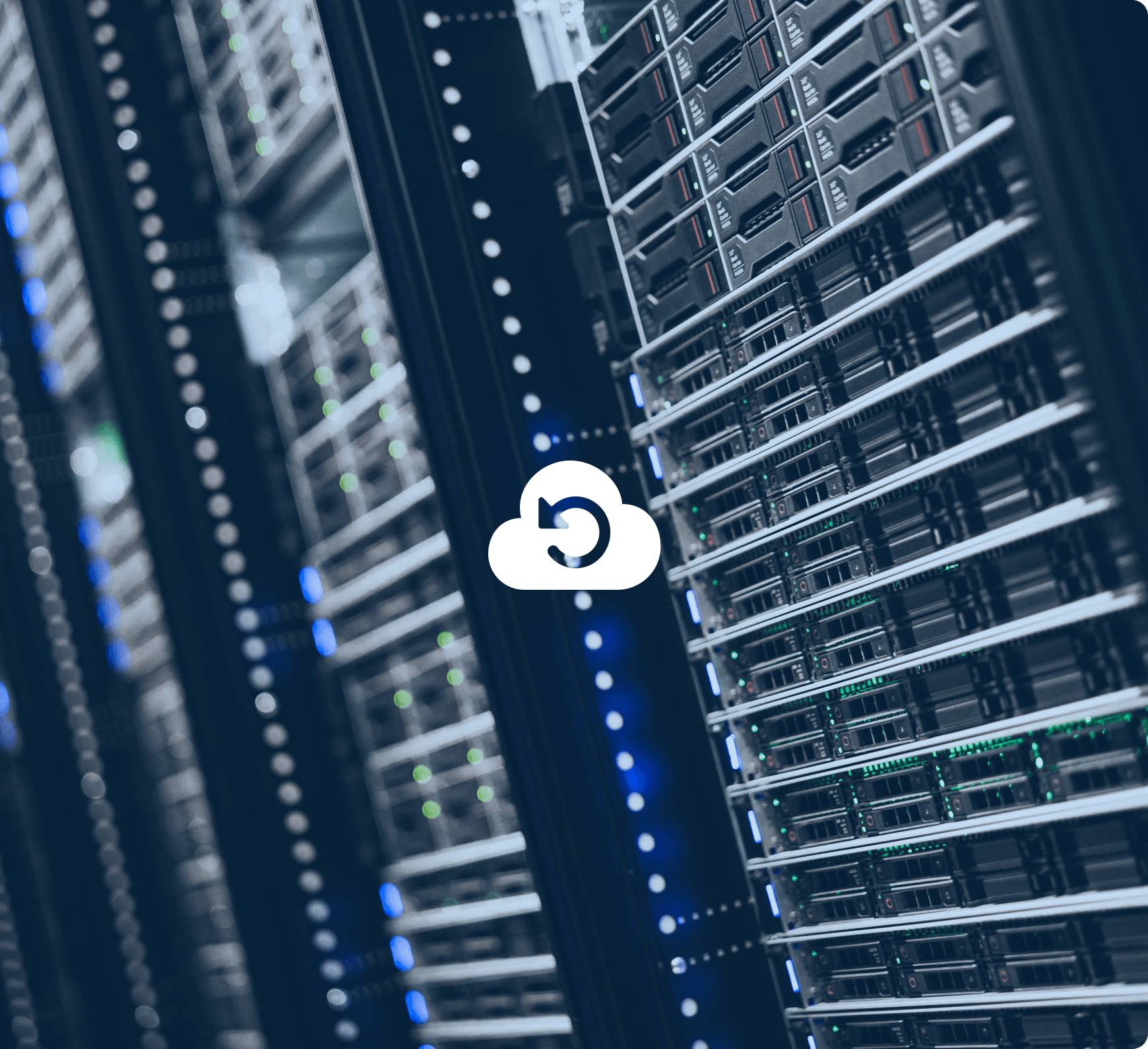 One of the NeoFlux datacenters in Europe
An independent, privacy-respecting solution
Secure Tier 3+ datacenters located in Europe
Our datacenters are ISO 27001, ISO 14001 and ISO 50001 certified and meet the highest requirements in terms of energy efficiency and security. Want to find out more? See for yourself.
Local, accessible support
Trained by our cloud experts, our support agents are in direct contact with our engineers to ensure effective answers to your questions. Don’t hesitate to contact us by email, chat or phone.
Highly qualified staff
Flux Backup’s cloud infrastructure was entirely developed in-house by our cloud experts. Our operators are also certified by Acronis.

Olivier Chaze
System administrator / Cloud Expert


New project?
Talk to a Cloud expert
Need advice from an expert to set up or migrate your backup infrastructure? The easiest way is to talk to us about it. It’s free and with no obligation.
Contact our team
Questions? Doubts?
Here we’ve gathered the questions we’re asked most often.
- By backing up your data with Flux Backup, you enjoy several advantages over traditional external hard drive backup systems:
- Your backups are stored in a location separate from your devices. In the event of a disaster or theft, you don’t lose your important data.
- Your data is permanently backed up on at least three media distributed across two datacenters. Even if two media were unavailable at the same time, the integrity of your data is always guaranteed. Find out more
- Your backups are accessible from anywhere in the world.
- You don’t run the risk of forgetting, losing or breaking your external drive.
- Flux Backup respects your privacy and the confidentiality of your data, and lets you encrypt your backups easily without slowing down your computer’s performance.
- Everything happens automatically as soon as you connect to the Internet, and you can schedule how often your backups run.
- Flux Backup lets you restore data or an entire system in just a few clicks. Even for a full workstation restore, there’s no need to follow complex procedures to create a USB stick or a boot disk. Everything happens almost entirely automatically.
- You can back up any type of machine, provided you can install software compatible with Flux Backup (Acronis, Swift, S3 or FTP).
- You can use an Acronis solution, included with your Flux Backup, or opt for software or a device compatible with OpenStack Swift / S3 / SFTP.
- You can order a single Flux Backup and add machines to it. You can also change your Flux Backup settings if you need to increase the total storage space or set the disk space quota available for each machine.
- Flux Backup lets you back up and restore your data and devices (computers, laptops, servers, etc.) with ease. Simply set how often backups run and you can sleep soundly.
Acronis software will handle recovering your files or your system in the event of a failure or a computer change. Using the product and monitoring the security of your backups or your infrastructure requires no special technical knowledge.
In addition to backing up data, a Synology NAS lets you sync files across various devices, run video surveillance, download torrent files, edit documents online or create a media server with photos, music and videos. However, setting up a NAS and ensuring its security does require basic technical knowledge. - Flux Backup lets you protect the content of your backups with the AES-256 encryption standard.
In addition to being a neutral and independent company, NeoFlux manages all of its infrastructure itself.
Finally, the European data protection regulation (GDPR) guarantees complete confidentiality for both businesses and individuals. Without the express consent of a judge, not even administrative authorities are allowed to access personal data. - Using the leading Acronis software provided with Flux Backup, restoring data or an entire system will be child’s play. Even for a full workstation restore, there’s no need to follow complex procedures to create a USB stick or a boot disk. Everything happens almost entirely automatically.
- Yes, backups of web hosting and cloud servers can be performed on your Flux Backup.
- Cloud storage is an online platform that lets you keep a copy of your files and share them with collaborators, but without backing up your system data. Flux Backup instead acts as an online vault in which your entire machine, files, folders and even the operating system configuration are backed up, allowing you to recover an identical copy of your machine.